The platform
Take on more clients without hiring more staff.
Clients snap or speak their receipts straight to you, so the shoebox and the chasing are over. The AI drafts the work like an experienced bookkeeper, with accounting knowledge built in, then learns how your firm operates, so the longer you work together, the smarter it gets. Your firm grows without growing payroll.
Clients see your firm's name and photo in their app, on invoices and in emails from your own address.
Coming soonClients ask the AI their questions and request reports and documents. You choose to review each one first, approve or revise it, and charge for it if you wish. Then it reaches them under your firm's name. Every revision teaches the AI, so the next report or answer is closer to how you would give it, like a valuable team member who learns.
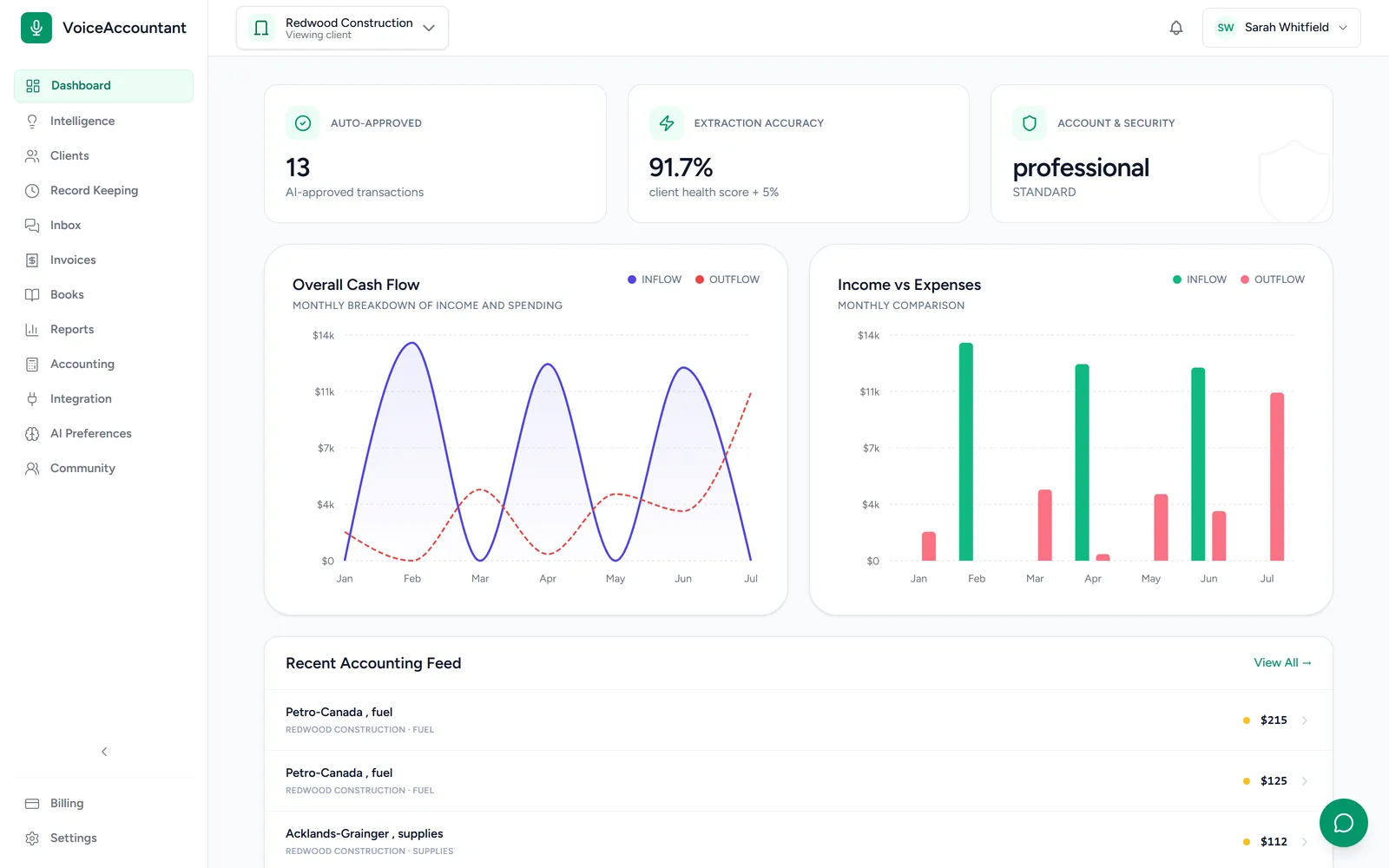
Review & approve
Your day starts at the review queue.
Every AI draft lands here with its confidence score, its tax code and the original document. Approve it, reject it, or open it up and edit. Nothing is filed until you say so.
- Filter by client, status, or AI drafts
- Auto-approve above a confidence bar, if you want it
- Every override is recorded, along with the reason
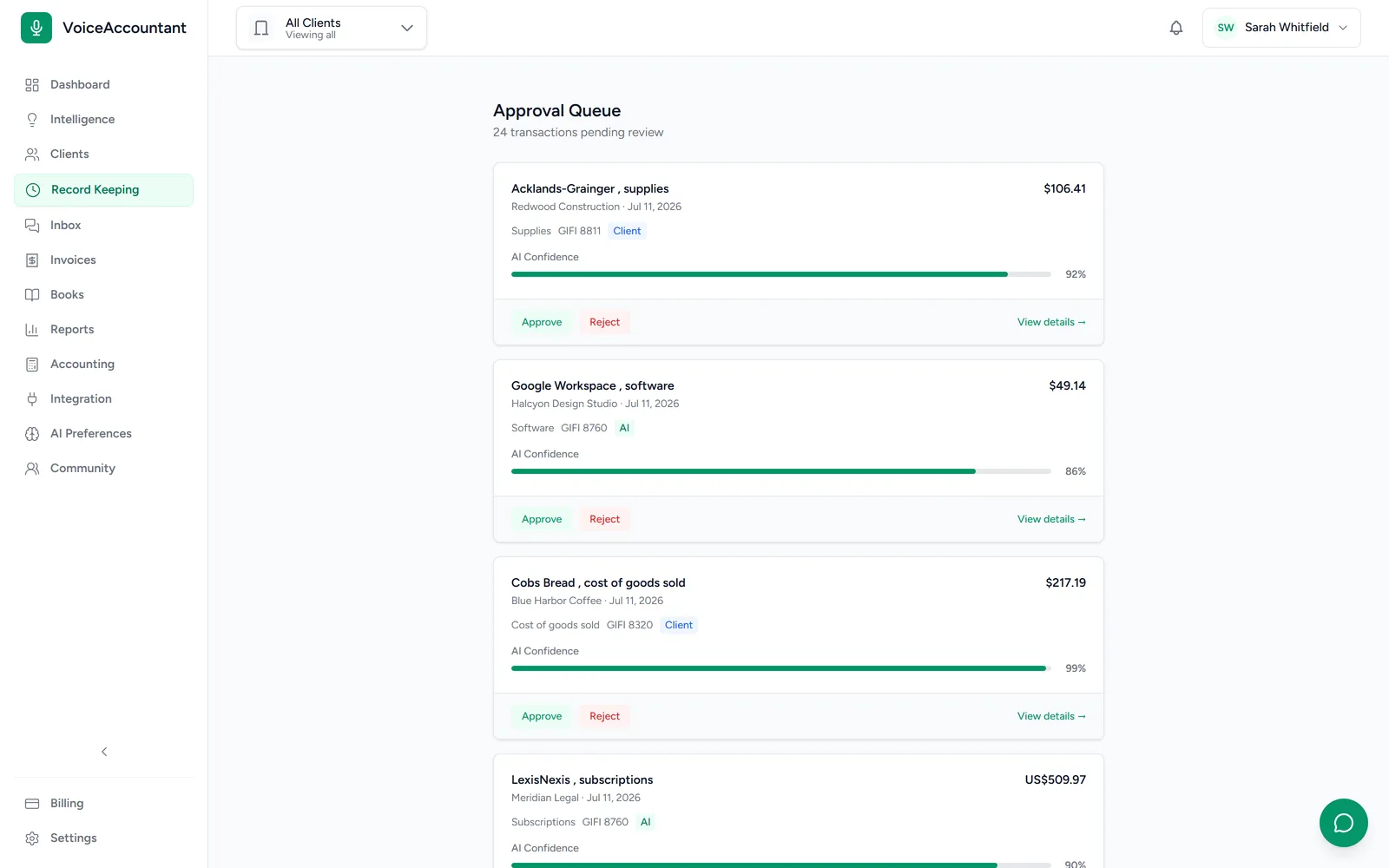
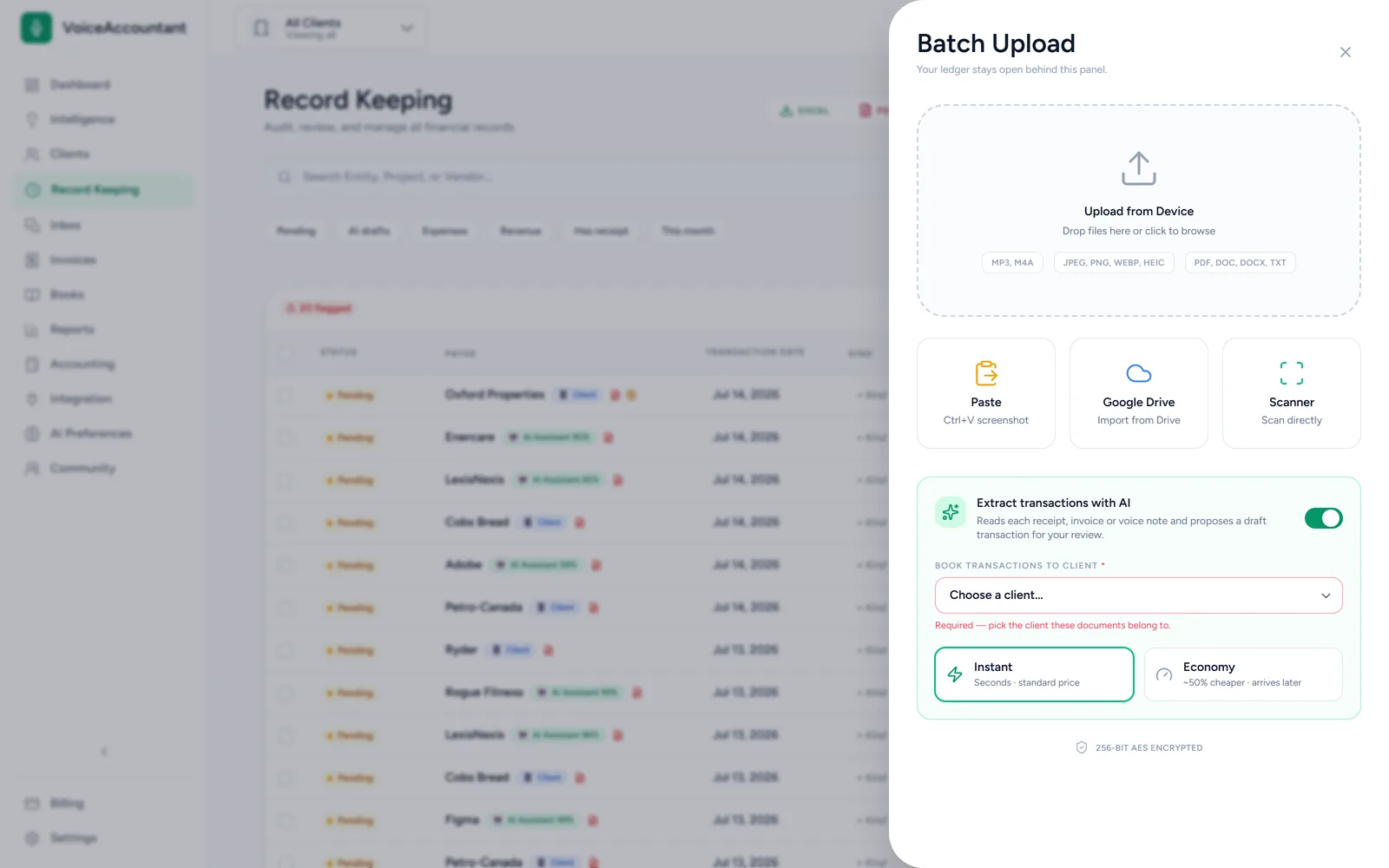
Batch upload & AI extraction
Drop a month of receipts. Watch them file themselves.
Upload photos, PDFs, Word docs, text and voice notes, paste from the clipboard, or pull from Google Drive. A browser extension for Chrome and Edge is coming soon, to send a screenshot of an online invoice or order in one click. The AI reads each one and turns it into a draft. Pick Instant when you need it now, or Economy to save money when you don't. See bookkeeping guides for your kind of business.
Document Hub
Every document, filed and findable.
Receipts, invoices, bills, statements and other documents, such as contracts and insurance policies, land in real folders. The AI puts each one where it belongs, and anything it can't place with confidence waits in Unsorted for you. If a document has a due date, like a policy renewal, you get a reminder ahead of time. There are nested folders, a Trash that keeps deleted files for 30 days, and every client stays separate.
Coming soonYour client gets the reminder too.
Receipts
14 files
Invoices & Bills
9 files
Bank & Statements
6 files
Tax & Government
3 files
Contracts
2 files
Unsorted
2 to review
Anything the AI is unsure about waits in Unsorted, never misfiled.
How it works in practice Coming soon
Clients ask. The AI finds it. You stay in control.
A client asks in the app, by voice or text. The AI searches that client's folders, drafts the answer and attaches the document. If you choose to review first, it waits for your approval, and anything you revise teaches the AI for next time.
Example 1: a document and a date
Example 2: a figure from the books
Example 3: a report with a fee
Example conversations and figures, illustrative.
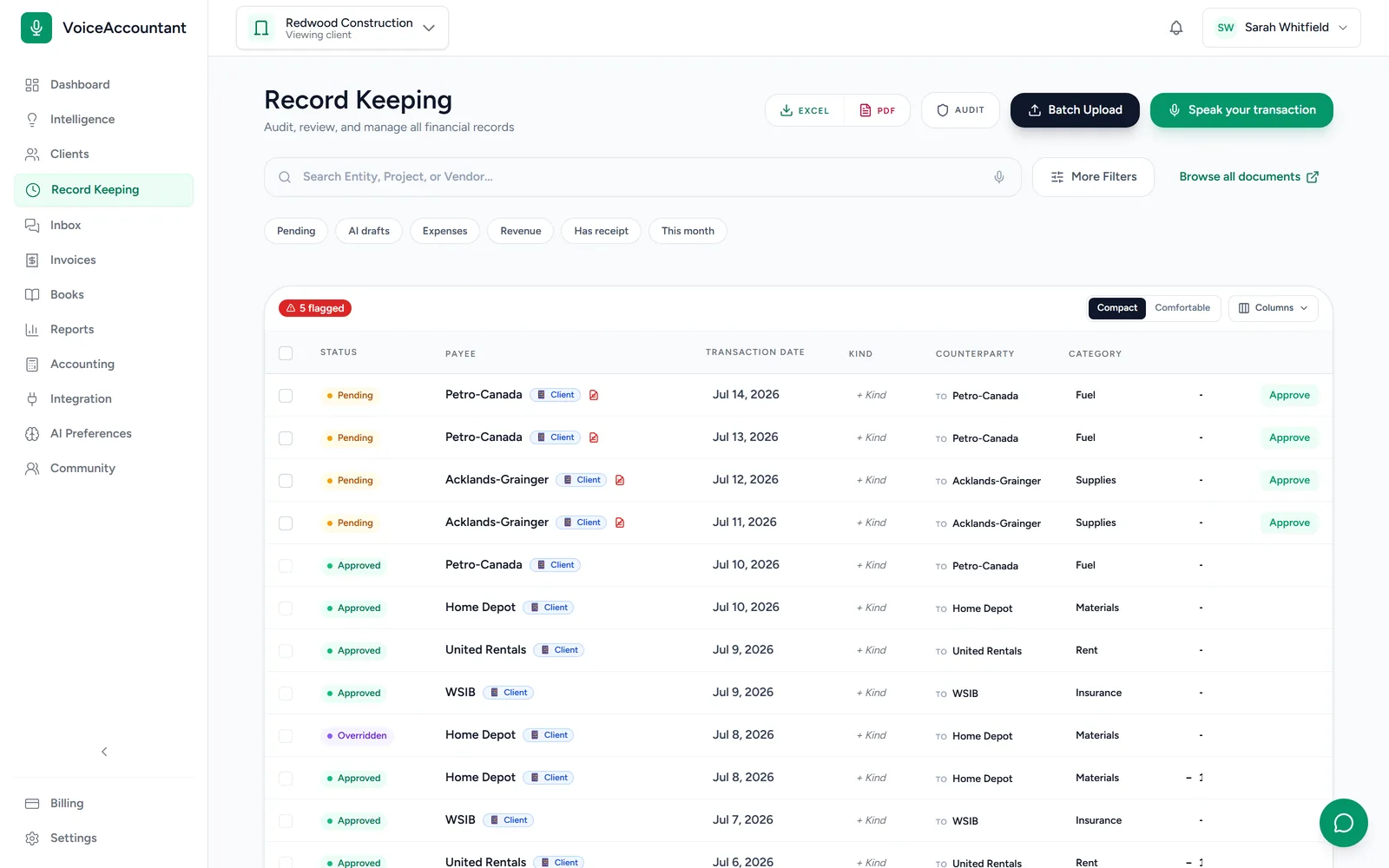
Per-client workspace
Switch client, and the whole dashboard follows.
Pick a client and every screen follows: the ledger, the documents, the charts, the reports. Each client's data is kept strictly separate from everyone else's.
And the rest of the firm
The tools around the ledger.
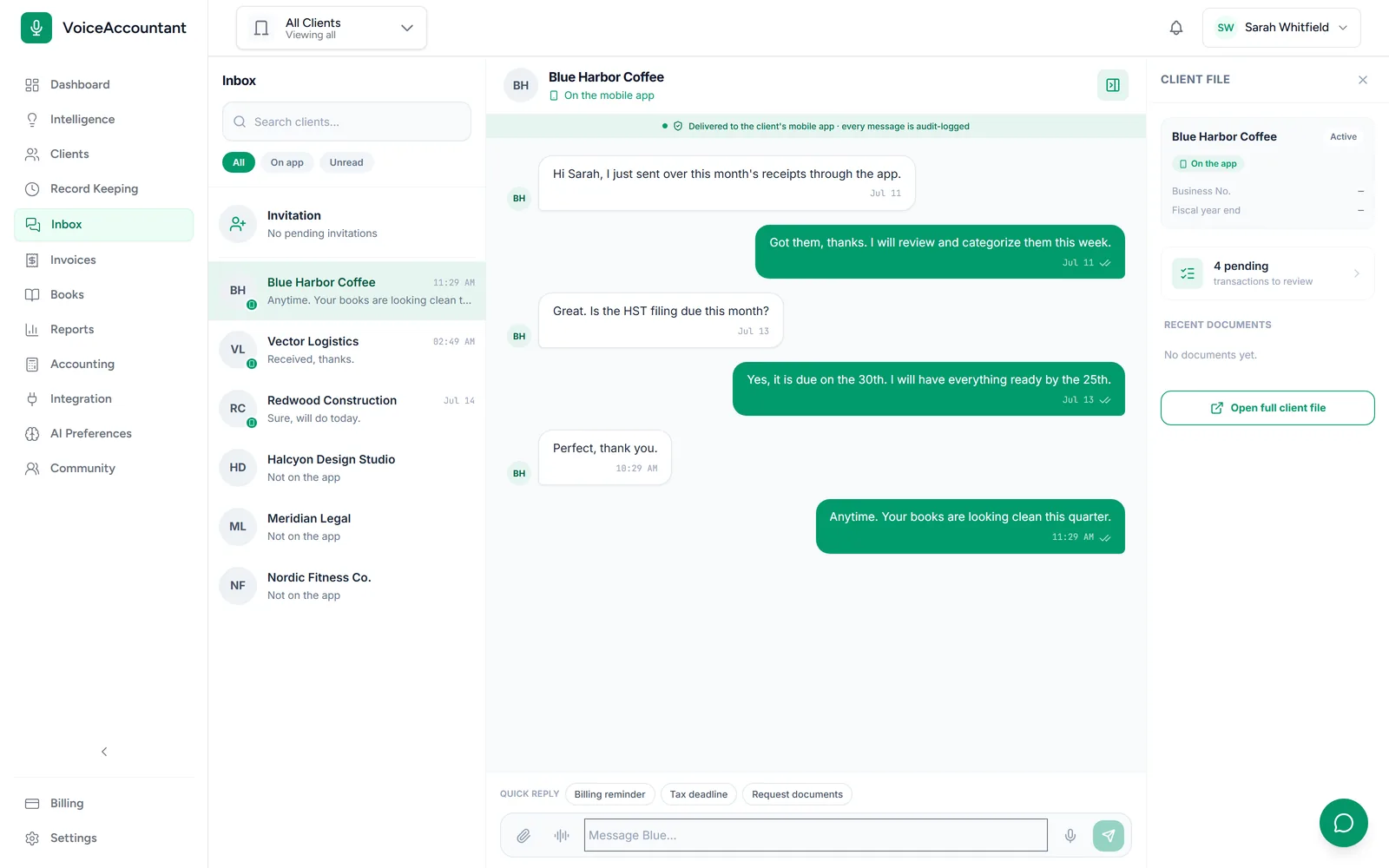
Messages, one inbox
Message every client from one place, and pin a conversation to the transaction it's about.
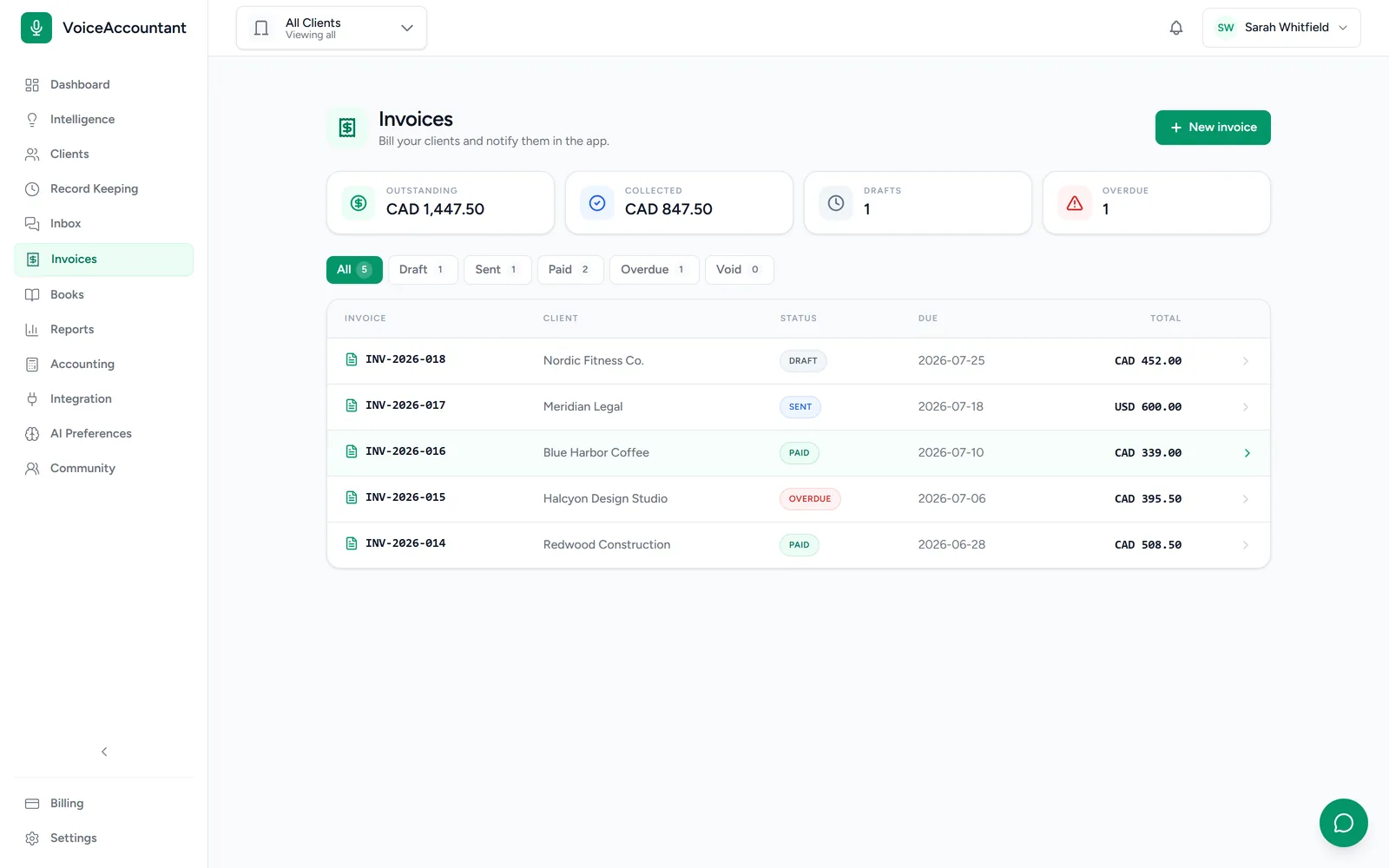
Client invoicing
Bill your clients with invoices that carry your letterhead, by email or straight into their app. Just say what to bill, and the AI builds the invoice and sends it to your client on your behalf, once your email address is connected.
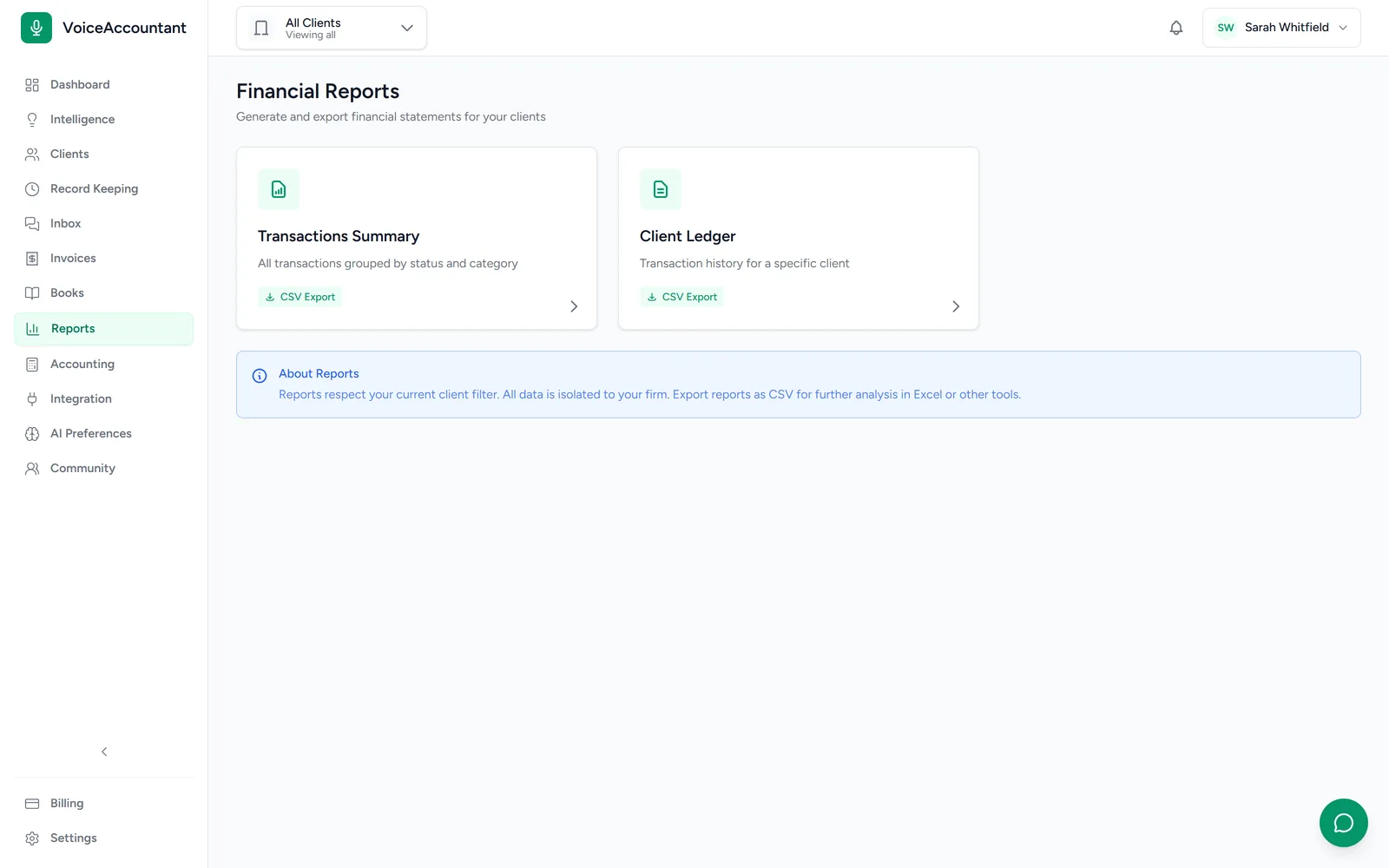
Reports & analytics
Income, expenses and cash flow at a glance, per client or across the firm.
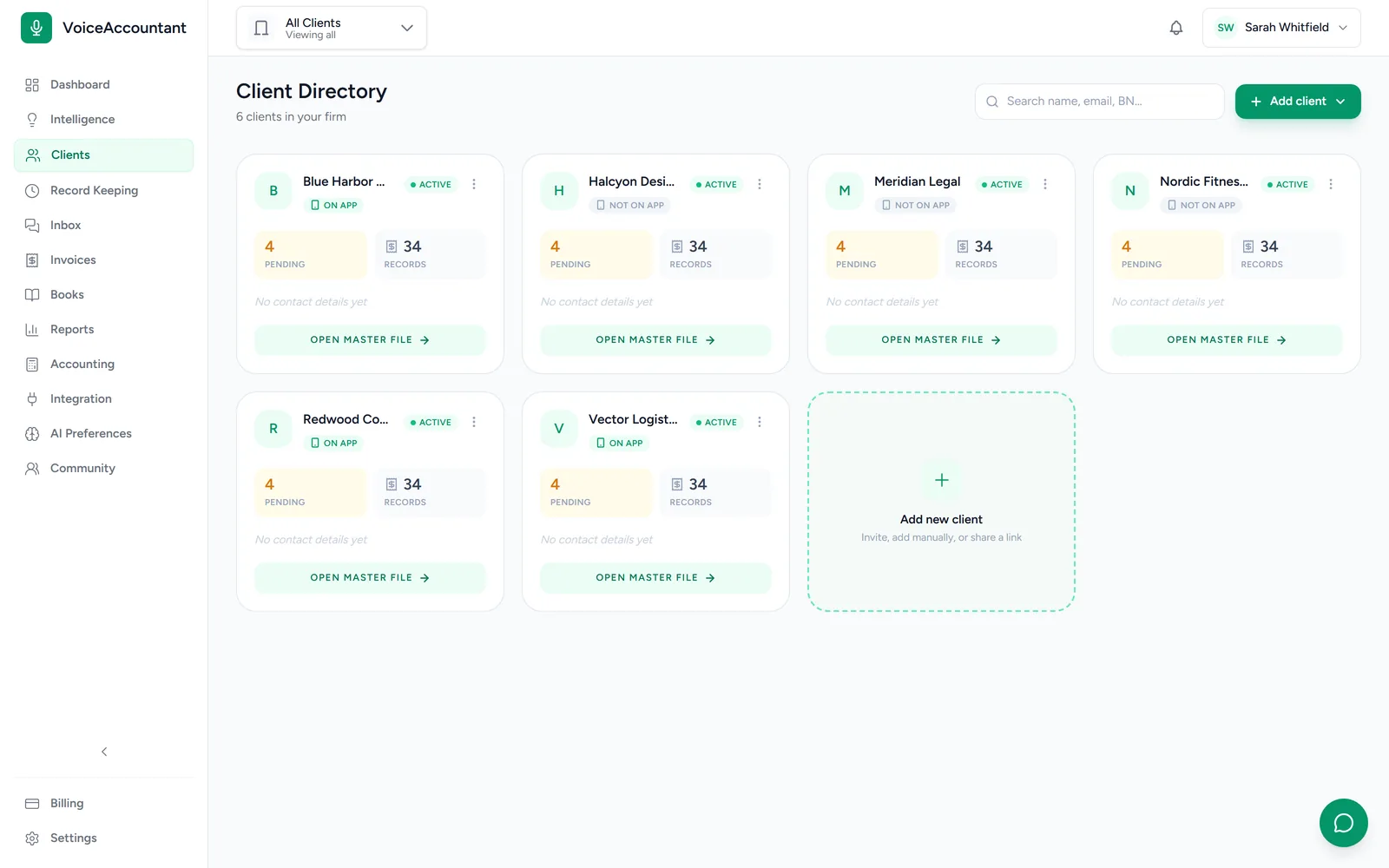
Client directory
See every client, what's waiting on them, and who's active on the app.
Under the hood
The parts you do not see, but rely on.
A permanent audit trail
Who changed what, when and why, written down for good. Nobody can edit or erase it afterwards.
Multi-currency
Books in CAD, USD or GBP. Rates are saved as of the transaction date, so old reports never shift.
Sales tax, GIFI & VAT
Canadian GIFI codes with GST, HST, PST and QST, UK VAT and Australian GST, built in. US state sales-tax rates are not set up yet.
Roles & 2FA
Four team roles, control over who can edit what, and two-factor sign-in.
Period locks
Lock a month once it's closed and nothing in it can change. There's a harder lock again after the tax return goes in.
Booked in QuickBooks Online
Connect each client to QuickBooks Online. Once you approve, each entry is coded, taxed and posted into their company file with the receipt attached.
FAQ
Platform questions.
Does the AI file transactions on its own?
No. The AI drafts each transaction, shows how confident it is, and attaches the original document. Nothing is filed until someone on your team approves it. For clients you trust, you can turn on auto-approval above a confidence bar.
What file types can be uploaded for extraction?
Photos and scans (JPEG, PNG, WebP, HEIC), PDFs, Word documents, plain text and voice notes, up to 25 MB each. Batch upload runs them all through the AI and gives you a draft per file.
Does it sync with QuickBooks?
Yes. Connect each client to their QuickBooks Online company, and every transaction you approve is pushed straight into it, with the vendor, category, tax and source document attached.
How does multi-currency work?
Each client's books stay in their own currency. Foreign amounts are converted at the rate from the transaction date, and that rate is saved, so a report you run today will look the same next year.
What is in the audit log?
Who changed what, when, and why. Records can't be edited or deleted after the fact, by anyone. And you can download any client's complete history whenever you like.
Watch
See the platform in action.
Two short videos, with captions and full transcripts.
See it with your own clients.
Set up your firm in minutes and invite your first client. The trial's free for 14 days, no card required.